A SEPTA app for the terminal
| .github/workflows | ||
| src | ||
| .gitignore | ||
| Cargo.toml | ||
| dist-workspace.toml | ||
| LICENSE | ||
| README.md | ||
| rust-toolchain.toml | ||
| rustfmt.toml | ||

━━━━ ❖ ━━━━




❖ TheSeptaTimes.rs
TheSeptaTimes.rs is an easy-to-use commandline utility to fetch information about regional SEPTA trains
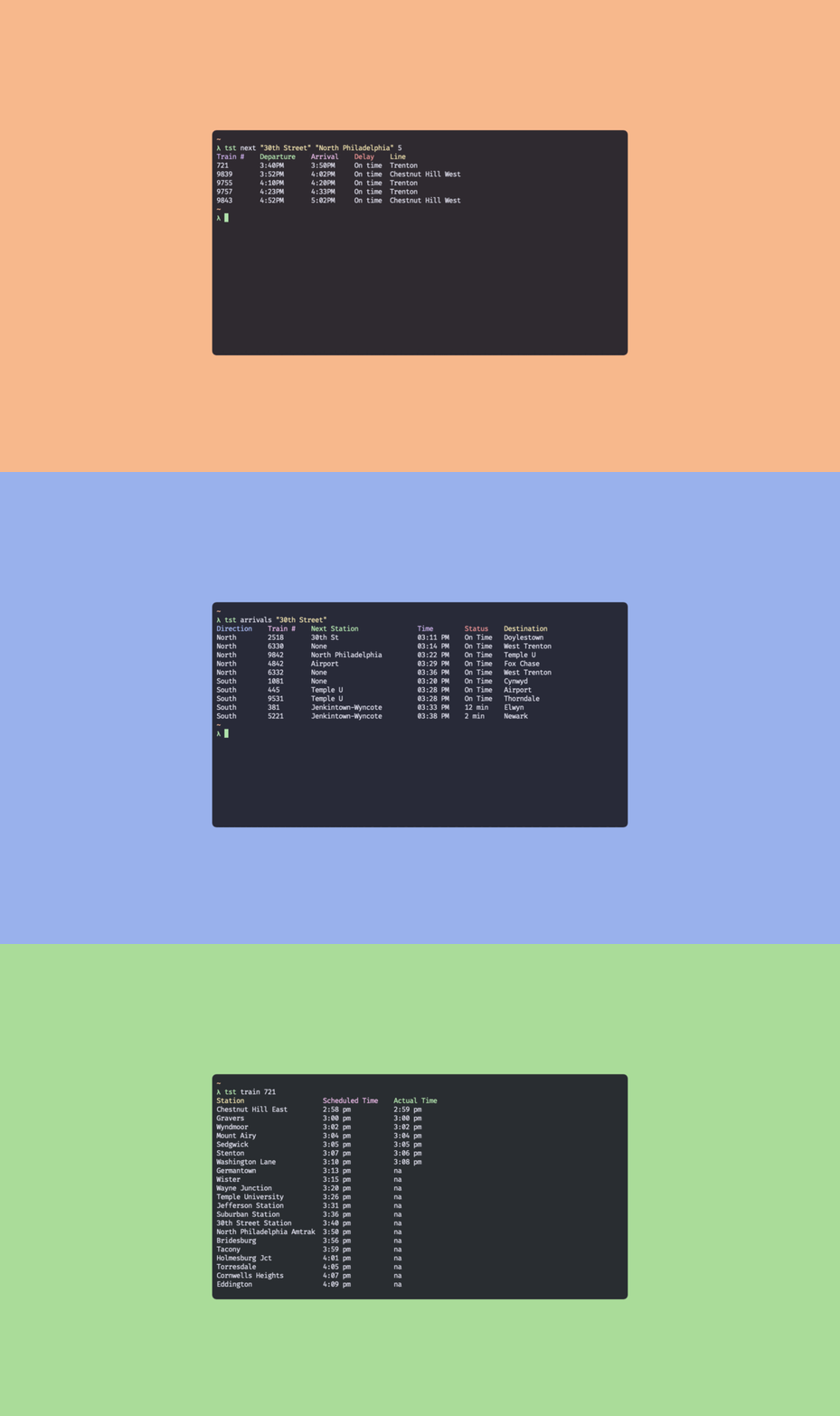
❖ Installation
Shell
curl --proto '=https' --tlsv1.2 -LsSf https://github.com/dotzenith/TheSeptaTimes.rs/releases/latest/download/the-septa-times-installer.sh | sh
Brew
brew install dotzenith/tap/the-septa-times
Powershell
powershell -ExecutionPolicy ByPass -c "irm https://github.com/dotzenith/TheSeptaTimes.rs/releases/latest/download/the-septa-times-installer.ps1 | iex"
Cargo
cargo install the-septa-times
Binaries
Pre-Compiled binaries for linux, mac, and windows are available in Releases
Source
- First, install rust
git clone https://github.com/dotzenith/TheSeptaTimes.rs.git
cd TheSeptaTimes.rs
cargo build --release
./target/release/tst
❖ Usage
A CLI application for the SEPTA API

Usage: tst <COMMAND>

Commands:
  next      Search for the next train going from an origin to a destination
  arrivals  Find the next arrivals at a given train station
  train     Track a given train
  stations  Get all valid station names
  extra     All of the extra endpoints added by Septum
  help      Print this message or the help of the given subcommand(s)

Options:
  -h, --help     Print help
  -V, --version  Print version
❖ Base commands
Get times for the next two trains that go from a given train station to another:
tst next '30th Street Station' 'North Philadelphia'
Since tst uses fuzzy matching, you can also do:
tst next 'suburban' '30th'
Setting
SeptumURLas seen below will help make the fuzzy matching more accurate, but it is optional
List the next 6 arrivals at a given train station:
tst arrivals '30th Street Station' --count 6
Take a look at any given train's schedule using the train number:
tst train 9374
Get all valid train station names:
tst stations
❖ Extra commands provided by Septum
These commands require endpoints provided by Septum.
tst requires the SeptumURL environment variable to be set like:
export SeptumURL="https://septum.jawn.website/api"
Get all lines supported by the tst extra schedule command:
tst extra lines
Get all stations on a given track, as supported by the tst extra schedule command:
tst extra stations TRE # On the Trenton line
Get train schedule going from one station to another on a given line
This command also uses fuzzy matching so station names do not need to be exact
tst extra schedule TRE "Trenton" "Gray 30th Street" inbound weekday
❖ What's New?
0.10.1 - Cleaner interface for tst extra schedule